Website for a Veterinary Practice: What It Costs and What It Has to Do
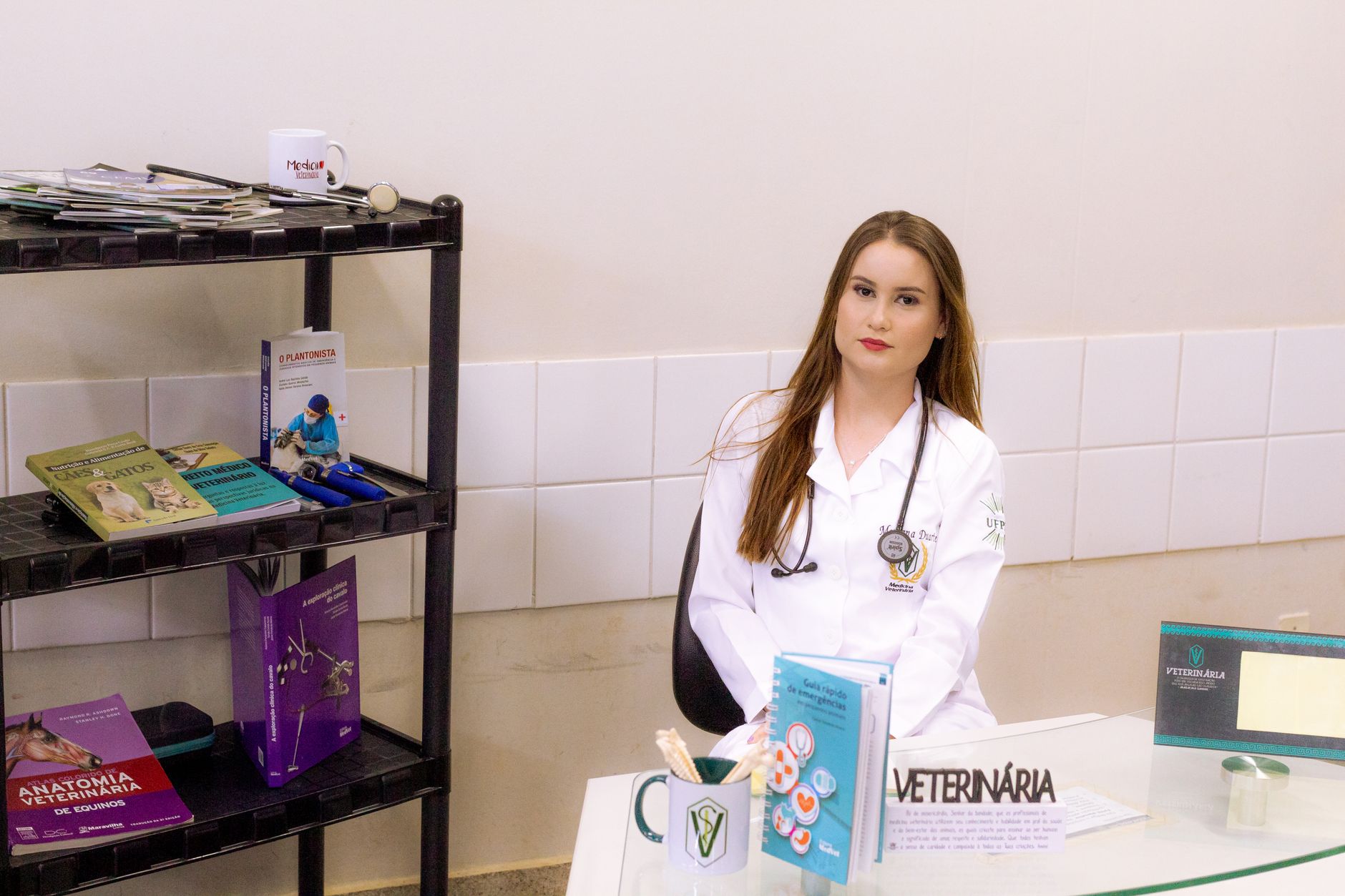
A website for a veterinary practice sits at step 03 of our price list, EUR 1.500 to 3.500, built over 3 to 6 weeks. If you want owners signing in to see their animal's records, paying for a consultation online, or booking against live slots held inside your practice management software, that is step 04, EUR 3.500 to 7.500, over 6 to 12 weeks.
This page is about telling those two apart before you pay for the wrong one. A fixed quote always follows scoping, so the range narrows to a single number once we know what your practice runs on.
The visitor who decides the whole design
The hardest person to build for is not the new client comparing three practices on a Tuesday afternoon. It is the owner at eleven at night, holding a cat that has not eaten since yesterday, trying to work out whether this waits until morning. That person is not reading your About page. They want to know whether you are open, what to do if you are not, and which number to call, and they want it without scrolling.
If the site answers that in the first screen, everything else on it gets read more calmly. If it does not, they open whichever practice does.
Emergency information is a design decision, not a page
Out of hours cover is the one thing on a veterinary site that should never require navigation. Putting it on a page called Emergencies is not enough, because the person who needs it is not in a state to hunt through a menu. It belongs in the header on every page and repeated as a block on the homepage and on every service page, and it needs to say:
- Your normal opening hours, written as text rather than baked into an image.
- The name and address of the practice that covers your out of hours calls.
- The number to call, marked up as a tappable link so a phone dials it in one touch.
- One line on what to do on the way in, such as whether to call ahead.
A number inside a graphic cannot be tapped, cannot be copied, and cannot be read aloud by a screen reader to someone whose hands are already full.
Appointments: three ways to do it, two steps
| How booking works | What the visitor does | Step |
|---|---|---|
| Request form | Sends name, animal, reason and preferred times. Your desk confirms by phone or email. | 03 |
| Embedded vendor panel | Books inside a panel supplied by your practice management software and hosted by that vendor. | 03 |
| Live slots inside your own site | Sees real availability by vet and appointment type, books it, gets a reminder, signs in later to see history. | 04 |
The first two are honest and they work. A request form is slower for the owner, but it keeps control at the desk, which matters when a routine check and a surgical consult are not interchangeable.
The third row is a different build. Live availability needs a connection into your practice software, an account for the owner, and rules about who may book what. Taking money for a consultation online belongs in the same conversation. All of that is step 04, and it is the right answer for some practices rather than a default for everyone.
What moves the number inside step 03
- How many service pages you want. Vaccination, dental, surgery, imaging, neutering, nutrition and behaviour can be one page or seven, and seven is more writing, more design and more to keep current.
- Whether the site runs in more than one language. An extra language is an add-on at EUR 250 to 500 for the technical setup, and translation is separate.
- Team profiles with real photography, which reads very differently from a stock image of a smiling vet holding a golden retriever.
- Whether you write the service copy or we do.
- Location pages, if you have more than one clinic with different hours.
Process and timeline
- Scoping. Opening hours, out of hours cover, your practice software, your services, and who updates the site afterwards. A fixed quote comes out of this.
- Structure. The page list, what sits on the homepage, and how the emergency block behaves on a small screen.
- Design of the screens that carry the weight: home, one service page, the booking route and contact.
- Build on a Next.js front end with a CMS behind it, so your desk can change hours and text without calling us.
- Content load, review, launch.
Step 03 runs 3 to 6 weeks. Step 04 runs 6 to 12 weeks. A mini-site at step 02 runs 2 to 3 weeks. The part that waits on you is content: hours you are certain of, team photos, and a settled answer on who covers your nights.
When to spend less
Not every practice needs step 03. If you have one location, a full book, and you are found mostly by people who already know your name, a mini-site at step 02, EUR 900 to 1.500, covers it: a homepage, a services page, a contact page carrying hours and the emergency number, and a basic CMS so you can edit all three.
If your current site is accurate but nobody finds it, a rebuild is the wrong purchase. SEO foundation is a one-off piece of work at EUR 450 to 750: search console and analytics set up properly, indexation checked, titles and internal links fixed, and a plan covering the next 3 to 6 months. It costs less than a new site and answers a different question.
After launch
Two things can continue on a monthly basis. Care, EUR 100 to 300 a month, covers updates, monitoring, backups and small fixes; it is not a redesign and it is not new features. SEO growth, EUR 500 to 800 a month, covers technical and on-page work, service, location and content pages, internal links and authority, and monthly reporting. Neither is required. If someone at the practice is comfortable in the CMS, run without Care and call us when something breaks.
You own the result either way. The code, the repository and the database are yours. Hosting is something we agree per project rather than a standing part of the deal.
Common questions
Can owners book straight into our practice software?
Yes, in two ways at two prices. If your software offers an embedded booking panel, that drops into a step 03 site and the vendor keeps running it. Availability rendered inside your own pages, in your own design, with an owner account behind it, is an integration and belongs in step 04.
Do we need a separate emergency page?
You can have one, and it helps in search, but it is not where the work goes. The out of hours details have to be present on every page rather than parked behind a link. Build the block first and the page second.
Can owners request repeat prescriptions on the site?
A request form that lands with your desk is step 03. An account where the owner signs in, sees what is due, requests a refill and settles it online is step 04, because it needs sign-in and a way to take money.
How much do we have to write ourselves?
As much or as little as you want. We can draft the service pages from a scoping conversation and a call with whoever holds the clinical detail, and you approve them. What we cannot invent is your hours, your prices and your out of hours arrangement, so those have to come from you.
What if we add online payment later?
Then it is priced as the payments add-on, EUR 600 to 1.500, and the quote confirms the scope. If you already expect it, say so during scoping, and we can design the step 03 site so that payments and a sign-in area have somewhere to go, as our design and engineering page explains.
Tell us your hours, your out of hours arrangement and what your practice software is called, and we will scope it and come back with a fixed price. Start at the contact form, or read the full list of steps and prices first.
Building something?
JP Studio designs and builds websites, storefronts and product interfaces.