Website for art galleries: what it costs and what makes it hard
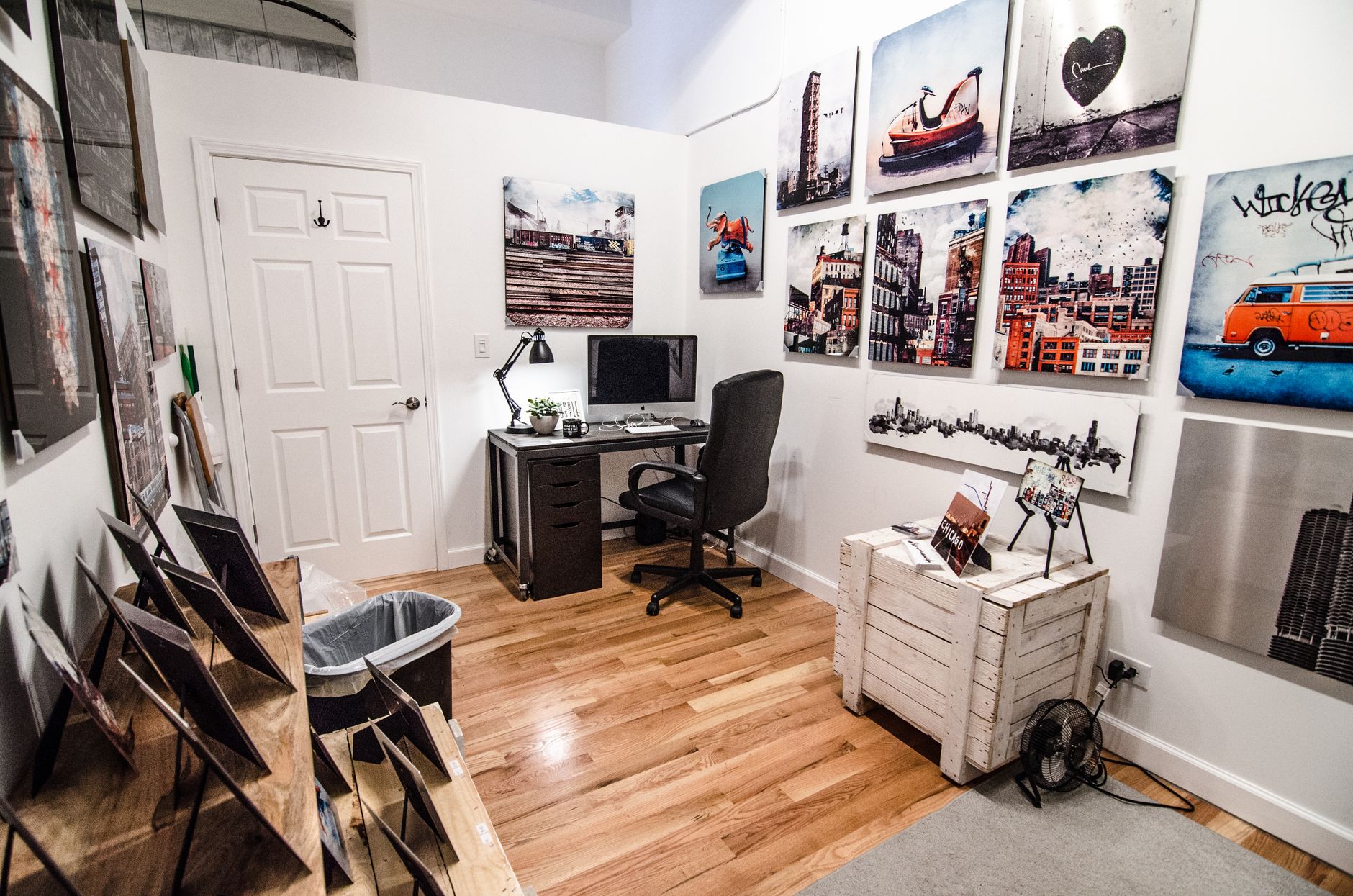
A gallery website that carries works, artists and exhibitions and keeps all three in step is a step 03 build, EUR 1.500-3.500, delivered in 3 to 6 weeks. Put viewing rooms behind a login, read from an inventory system or take sales online and it becomes step 04, EUR 3.500-7.500, over 6 to 12 weeks.
The range is wide because a gallery site is not a set of pages with pictures on them. It is a small catalogue with a public face attached, and the shape of that catalogue sets the price far more than the number of screens does. A fixed quote follows scoping.
What each step buys a gallery
| What you need | Step | Price | Timeline |
|---|---|---|---|
| One artist or one show, a single page with an enquiry form | Step 01 | EUR 600-900 | 1-2 weeks |
| Gallery profile, current show, artist list, contact flow, basic CMS | Step 02 | EUR 900-1.500 | 2-3 weeks |
| Works, artists, exhibitions, press, CMS, enquiry or booking | Step 03 | EUR 1.500-3.500 | 3-6 weeks |
| Collector logins, private viewing rooms, inventory API, online sales with payments | Step 04 | EUR 3.500-7.500 | 6-12 weeks |
| Multi-venue platform, shared inventory, admin, billing | Step 05 | from EUR 7.500 | after discovery |
Two things are bought separately from the steps. Care is EUR 100-300 per month for updates, monitoring, backups and small fixes, and it does not cover a redesign or new features. SEO foundation is a one-off of EUR 450-750, covering Search Console, analytics, indexation, technical hygiene, titles, internal links and a plan for the following 3 to 6 months.
Where a catalogue becomes a data problem
Write down what a single work actually is. Title, artist, year, medium, dimensions, edition, photographer credit, price or price on request, status, and the exhibitions it has hung in. Now notice that almost none of that belongs to the page you first thought of. The artist has a page. The exhibition has a page. The art fair booth list wants the same work again, and so does the press release.
If each of those four surfaces is typed by hand, the same work exists in four places and starts to drift. A dimension gets corrected in one and not the others. A sold work stays available on the exhibition page. That drift is what stops a catalogue being trusted by your own staff, and it is not a design problem.
The fix is to model it once. A work is a record. An artist is a record. An exhibition is a record that points at works and at artists. Status is a field on the work, so marking something sold changes every surface at the same moment. Once that holds, a fair list is a filter, not a new page somebody has to remember to update.
That modelling is why a gallery site lands at step 03 rather than step 02, and it is also why the difference is worth paying. The alternative is a CMS where your gallery manager rebuilds an exhibition page from scratch every time you hang a show.
Images are the work, and the weight
Installation shots and detail scans arrive at print resolution, which is more than any browser needs and more than a phone on gallery wifi will sit through. The site holds the large original and serves a size matched to the screen that asked for it, in a modern format with an older one as fallback.
Three details matter more here than on any other kind of site. Colour, because an untagged Adobe RGB scan renders flat and slightly wrong in a browser and a collector will notice, so files are converted to sRGB on upload. Aspect ratio, because declaring the real dimensions of every image lets the layout reserve exactly the right space before the file arrives, so nothing jumps as the page settles. Cropping, because a catalogue holds portraits, landscapes and very long horizontals, and the grid has to hold mixed ratios without cutting into a canvas.
Loading order is the last piece: the first image a visitor sees is requested immediately and everything below the fold waits. How we build and measure that is described on design and engineering.
Process and timeline
- Scoping. We go through your works, artists and exhibitions and agree the records, the fields and who edits what. The fixed quote comes out of this.
- Structure and design. Home, artist, work, exhibition and about, designed as one system rather than as separate screens, because each is generated from the same records.
- Build. The CMS, the templates, the image pipeline and the filtering.
- Content load. Your first works and exhibitions go in with us present, so the people who will maintain it learn on real material.
- Launch and handover. Redirects from the old URLs, analytics and Search Console.
Step 03 runs 3 to 6 weeks and step 04 runs 6 to 12. The part that waits on you is photography and text. A build can be finished and sitting idle while works are still being shot.
When to spend less
If you represent a small roster, hang a show only occasionally and your collectors already reach you by email, a step 03 catalogue is more machinery than you need. A step 02 mini-site at EUR 900-1.500 with a gallery profile, the current show and a contact flow does the job, and the money saved is better spent on a photographer who shoots the room properly. Bad photography cannot be rescued by a good build.
The same applies if your inventory already lives in a system you pay for. Do not rebuild it. Either keep the site simple and let that system carry on doing its job, or budget step 04 so the site reads from it directly instead of holding a second copy of the truth.
And if you already have a site that works and nobody can find it, the problem is not the build. SEO foundation at EUR 450-750 one-off will tell you whether your artist pages are indexed at all, a cheaper first question than a redesign.
Questions galleries ask
Can collectors buy directly from the site?
Yes, and that is step 04, EUR 3.500-7.500. Taking payments brings a cart, order records, tax handling and somewhere for you to see what has sold, which is a different build from a catalogue that ends in an enquiry form. Stopping at the enquiry is a legitimate choice and not a limitation, since the conversation is where a gallery sale happens. Decide which you want before scoping, not during.
Who owns the site and the catalogue data?
You do. The code, the repository and the database are yours. Hosting is agreed per project, so where it runs is settled during scoping rather than assumed.
Can you work from our existing inventory system?
If it exposes an API, yes: we read works and status from it, and the website stops being a place where anyone types a dimension twice. That integration is step 04 work. If there is no API, we model the catalogue in the site CMS instead and leave the inventory system to accounting.
Do we need Care after launch?
Care is EUR 100-300 per month for updates, monitoring, backups and small fixes. If your team is comfortable in the CMS you may only want the monitoring and backup end of it. Care does not cover a redesign or a new feature, and we will say so rather than quietly absorb it.
Will the site help us rank for our artists' names?
Artist pages are the strongest ranking asset a gallery has, because each one is a specific page about a specific name. Checking their indexability and linking them internally is SEO foundation, a one-off at EUR 450-750. Continuing work on exhibition and location pages is SEO growth at EUR 500-800 per month, worth starting once the catalogue itself is real. How these sit alongside the build is set out on packages.
Send us your works list and the shows you have booked and we will scope it. Start here.
Building something?
JP Studio designs and builds websites, storefronts and product interfaces.
Discuss your project